
Track A Bad Habit You Want To Quit
By Sebastian Röhl, creator of HabitKit
7 min read Published Updated Instructions for HabitKit 1.18.0
A quit habit counts clean days automatically. Choose Yes / No to record whether you slipped, or Count or Measure to track an amount against a daily maximum. A day with nothing logged is treated as clean, so remember to record slips or amounts for the history to be accurate.
Choose Quit A Habit under Habit Type when creating or editing a habit, then choose how to record it under Tracking.
On this page
How A Quit Habit Works
The three tracking types answer different questions:
- Yes / No: Did you slip today? Clean days use the habit's full colour. Marking a slip makes the tile empty. A note by itself does not mark a slip.
- Count: How many times did it happen? Set Stay Below and log each occurrence. The day stays clean while the total is strictly below that maximum.
- Measure: How much did you record? Enter a Unit, such as minutes, and a Stay Below. Decimal amounts are supported, and the day stays clean while the total is below the maximum.
For example, a Stay Below of 3 means 0, 1 or 2 is clean. Reaching 3 breaks the clean-day streak; the limit itself is not included. Count and Measure tiles become dimmer as the logged amount approaches the maximum, then empty when it is reached. You can keep logging beyond the maximum so the record reflects the actual amount.
Quit habits do not offer a weekly or monthly Streak Goal. Every day is judged, and the goal chip reads Daily. Tracking, Stay Below, On Tap, Reminders and Categories remain available as appropriate.
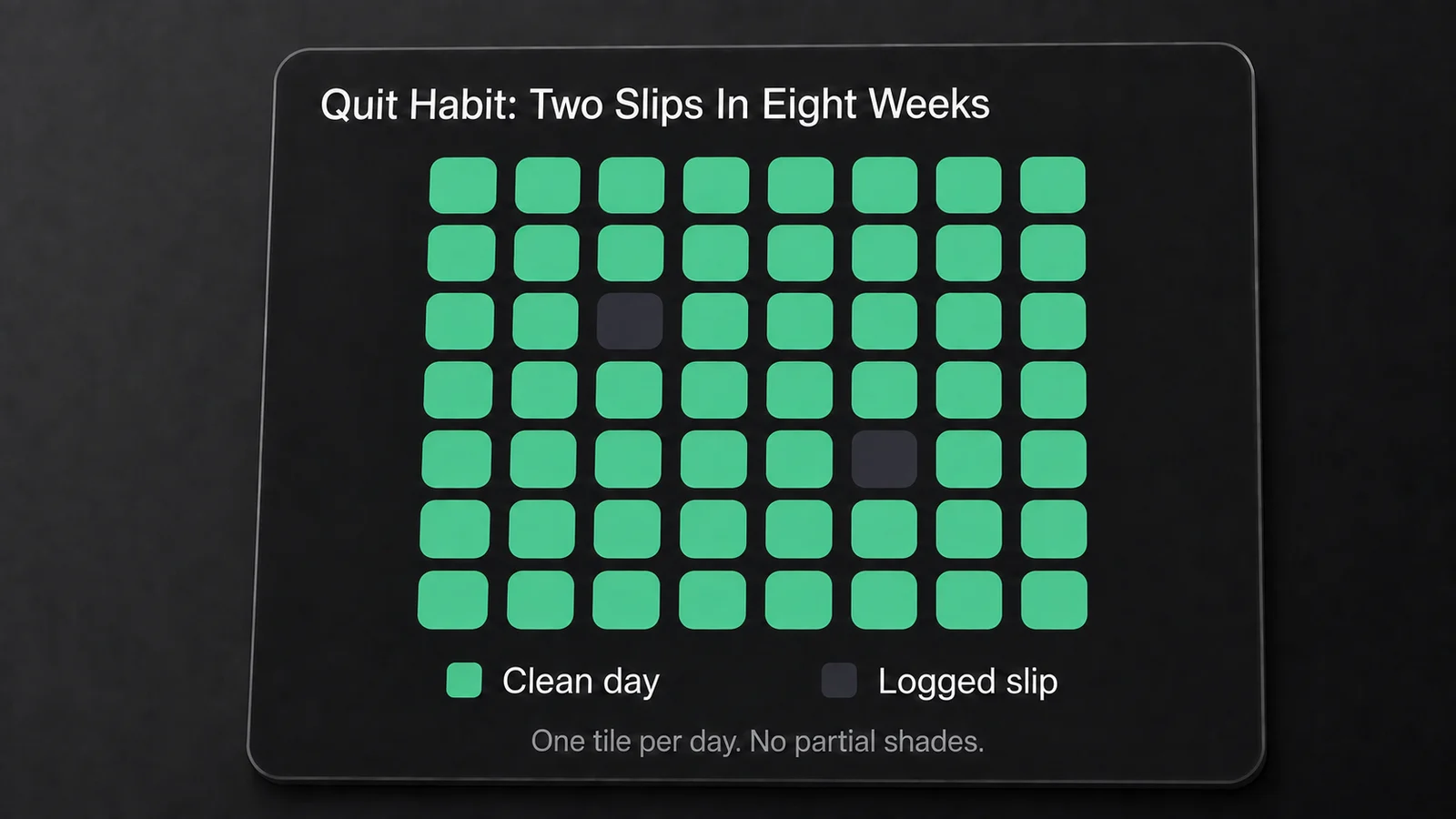
A Yes / No quit habit example. Only the two slips are logged; the other days stay filled automatically. Count and Measure habits can also show partial shading.
For Yes / No, tap today's completion control to mark a slip; tap again to clear an accidental mark. The day editor also offers Marked as a slip.
For Count and Measure, choose On Tap in the habit editor. Add 1 records another unit while below Stay Below, then opens the number sheet at or above the limit, including a limit of one. Enter total opens the sheet on every tap. Press and hold the indicator to enter a precise amount directly. See daily goals and tap controls for the setting and older habits' default behaviour.
Log a completion and fix a past day explains how to open and edit a particular day.
Quit habits show on home screen widgets like any other habit. See add a habit tracker widget to your home screen.
How Quit Streaks Count
The current streak is the run of clean days ending today. A clean today counts immediately without a check-in. For Yes / No, marking a slip resets it to 0; for Count or Measure, reaching or exceeding Stay Below does the same. A build habit also counts today as soon as its daily goal is met, but does not give credit for an unlogged day.
The count begins when quit tracking starts, unless an unbroken build streak carries over during a conversion. Quit habits do not appear in the charts habit picker, but their streaks count towards the all-habits Current Streak and Best Streak figures. Best Streak only looks inside the selected year, so it can be shorter than a run that mostly happened last year.
If you quit something before you installed the app, you can start the count earlier. Tap a day before the habit's start date and it offers Start from that date. Accept, and unlogged days from there are treated as clean; record any slips or amounts that actually occurred. This is available when the quit period covers the beginning of the habit's history and there are no earlier converted periods to preserve. It does not move the boundary of an existing build-to-quit conversion.
Converting An Existing Habit
Switching a habit between the two types is allowed, and the app is careful about what it does to the past.
- Build to quit starts quit tracking today. Days before today keep their build meaning and tiles. Today's already-completed entry may be reset to a clean day so the conversion does not turn a check-off into a slip; check today's amount after saving.
- A build streak that was unbroken at the moment you converted carries across. The conversion extends the run rather than restarting it at zero. If a goal was already missed, it does not.
- Quit to build asks Keep your clean days? if there is a quit period ending yesterday. Keep as completed preserves that period's clean days and locks it against editing. Clear period makes its days empty and editable again, clearing logged amounts, including today's amount, while keeping notes. A conversion back on the same day has no earlier period to ask about.
If you kept a period and later try to edit one of its locked days, the app offers Clear period again. That clears the whole displayed period, not just the day you tapped.
Reminders survive a conversion in both directions. A quit habit's reminder fires while today is still clean or below its Stay Below, and stops once a slip is marked or the maximum is reached. Set a reminder for a habit covers the rest.
What Quit Habits Do Not Do
Two limits are worth knowing before you set one up.
They are not on the charts page. Quit habits do not appear in the habit picker of Charts & Statistics and are left out of every completion-shaped figure: Completions, Completion Rate, the monthly bar chart and the heatmap. A slip is not a completion, so counting it as one would make every one of those numbers wrong. Their streaks do still feed the all-habits streak tiles. If charts are the reason you are considering HabitKit Pro, know that a quit habit will not appear on them.
They do not offer days off from the limit. Count and Measure support a Stay Below, but quit habits cannot use a weekly allowance or choose particular weekdays to judge. A daily maximum of 3 means staying below 3 each day, not sharing that allowance across the week.
Use Quit A Habit with Count or Measure when lower amounts are the aim. A build habit treats reaching its daily target as success, so it would reward reaching the amount you are trying to avoid. Daily goals and multiple completions explains the tracking controls.
Related Questions
Do I Mark The Days I Stayed Clean?
No check-in is needed for a day with nothing to record. For Yes / No, log slips. For Count or Measure, log actual amounts even when they are below the daily maximum, so the history reflects what happened.
Can I Set A Weekly Goal On A Quit Habit?
No. Quit habits judge every day. Count and Measure offer a Stay Below, but there is no weekly or monthly quit goal. The goal chip reads Daily.
Does Reaching The Daily Maximum Count As A Clean Day?
No. The amount must stay strictly below Stay Below. With a maximum of 3, a total of 2 is clean and a total of 3 is not.
Why Is My Quit Habit Missing From The Charts Page?
Quit habits are excluded from the individual habit picker and completion figures. Open the habit to see its current clean-day streak. Quit streaks also contribute to the all-habits Current Streak and Best Streak figures.