Free Printable Habit Tracker.
Free. No sign-up. Your design stays here.
A shared design is ready. Your current draft is still here.
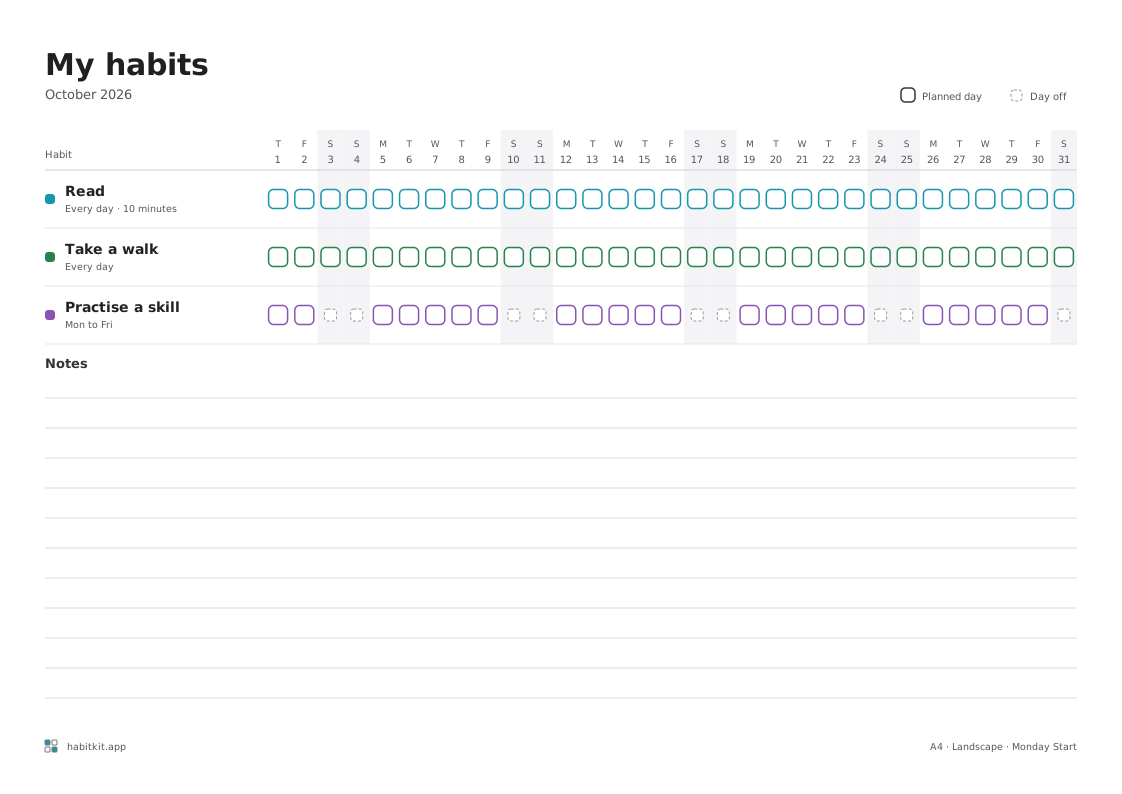
Print at 100% scale. Turn off browser headers and footers.
Track it on your phone too: App StoreGoogle Play
Download did not finish
Want to keep these habits on your phone? Explore HabitKit
Your paper design stays separate from the app.
More templates
Choose a printable for a specific goal. Each opens its own page, and your saved drafts stay separate on this device.
-
A month of reading, with space for your book, reading goal and notes.
Portrait · 1 habit -
Track a month or 30 days, with your rules, allowed purchases and a review.
Portrait · Month or 30 days -
Start January with up to eight habits and a reflection. A preset of the monthly tracker.
Landscape · Monthly preset
Start with a habit set
Using a set replaces your current habits with its three, each scheduled every day. Your dates, title, notes and paper size stay as they are, and Undo brings your habits back.
-
Morning routine
- Drink a glass of water
- Stretch for 2 minutes
- Choose one priority
-
Evening reset
- Clear one surface
- Prepare for tomorrow
- Read for 10 minutes
-
Gentle movement
- Walk for 10 minutes
- Stretch for 2 minutes
- Take a movement break
-
Study session
- Study for 20 minutes
- Review five flashcards
- Write one takeaway
-
Creative practice
- Write for 10 minutes
- Capture one idea
- Read one page
-
Learning a language
- Review five words
- Listen for 5 minutes
- Speak one sentence
-
Digital balance
- Keep breakfast phone-free
- Take a screen break
- Put phone away before bed
-
Everyday calm
- Take five slow breaths
- Step outside for 5 minutes
- Write one good thing
A little space for your habits.
A kitchen reminder, a reading corner, a desk reset. Give your sheet a place in the day you already have.
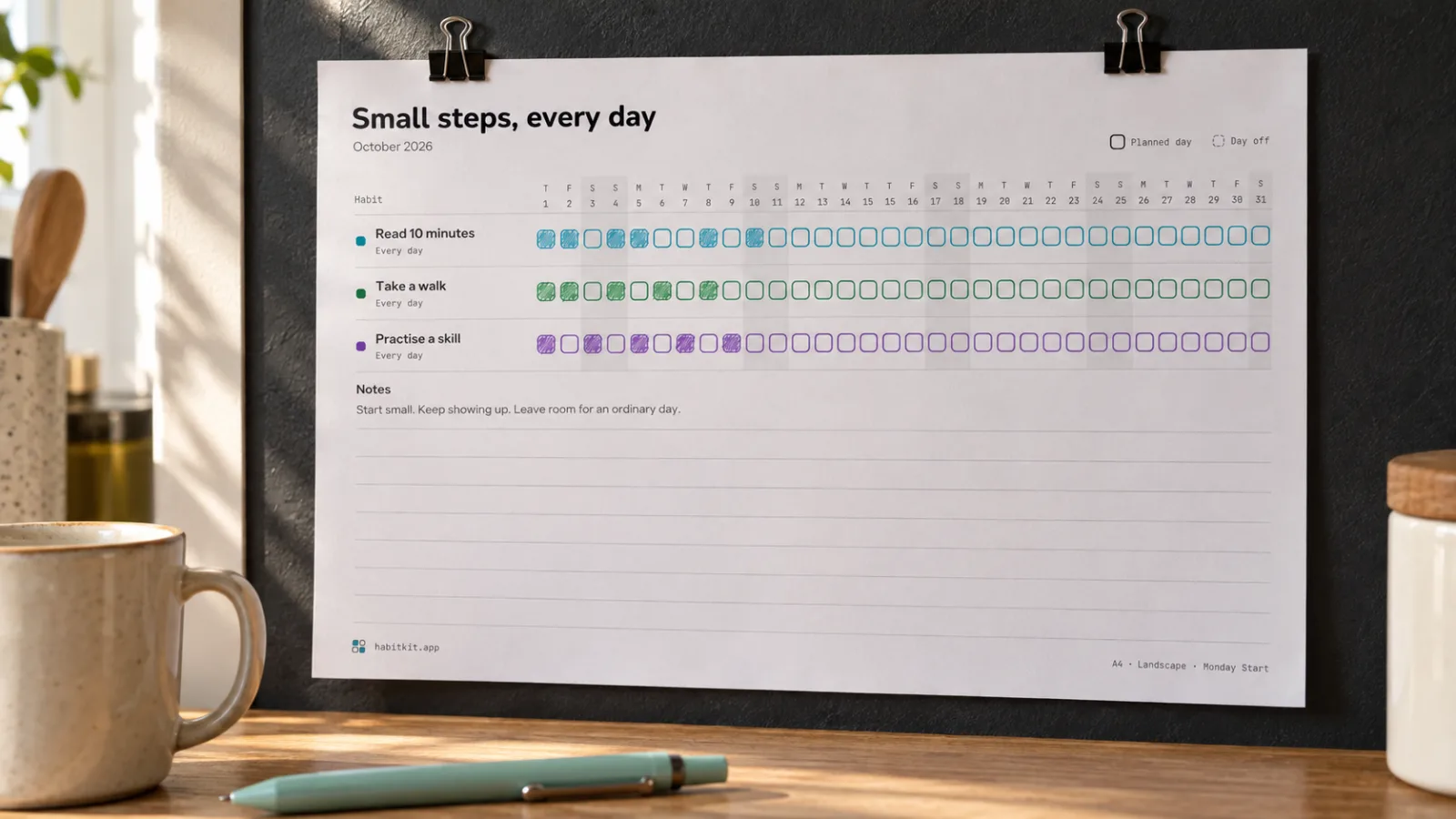
01 · Monthly · Landscape
Beside your morning routine
A few small habits, one monthly sheet. Keep it where your day begins.
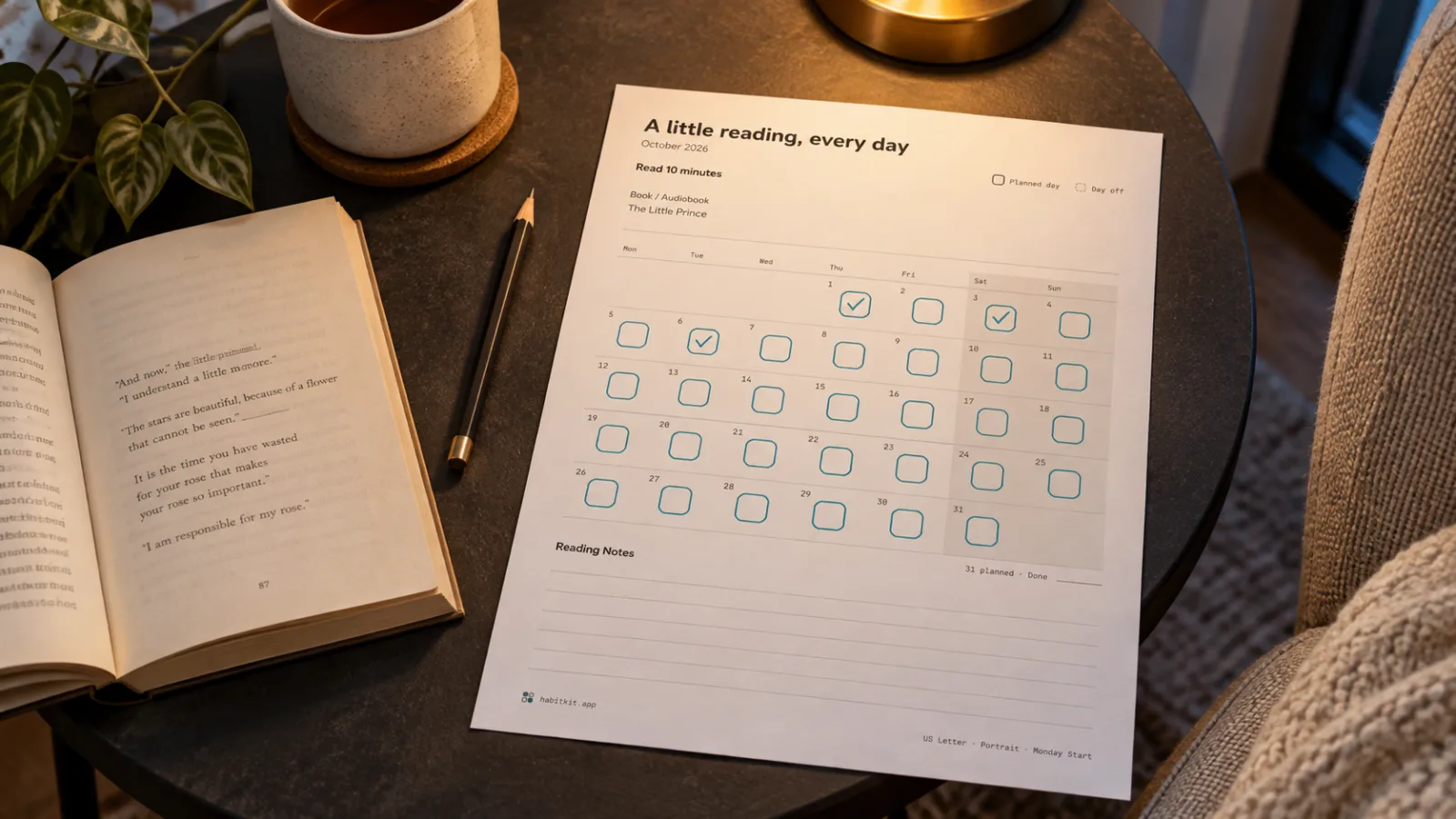
02 · Reading · Portrait
One more chapter
Pair a reading calendar with your book and a goal that fits your evening.
Make a reading tracker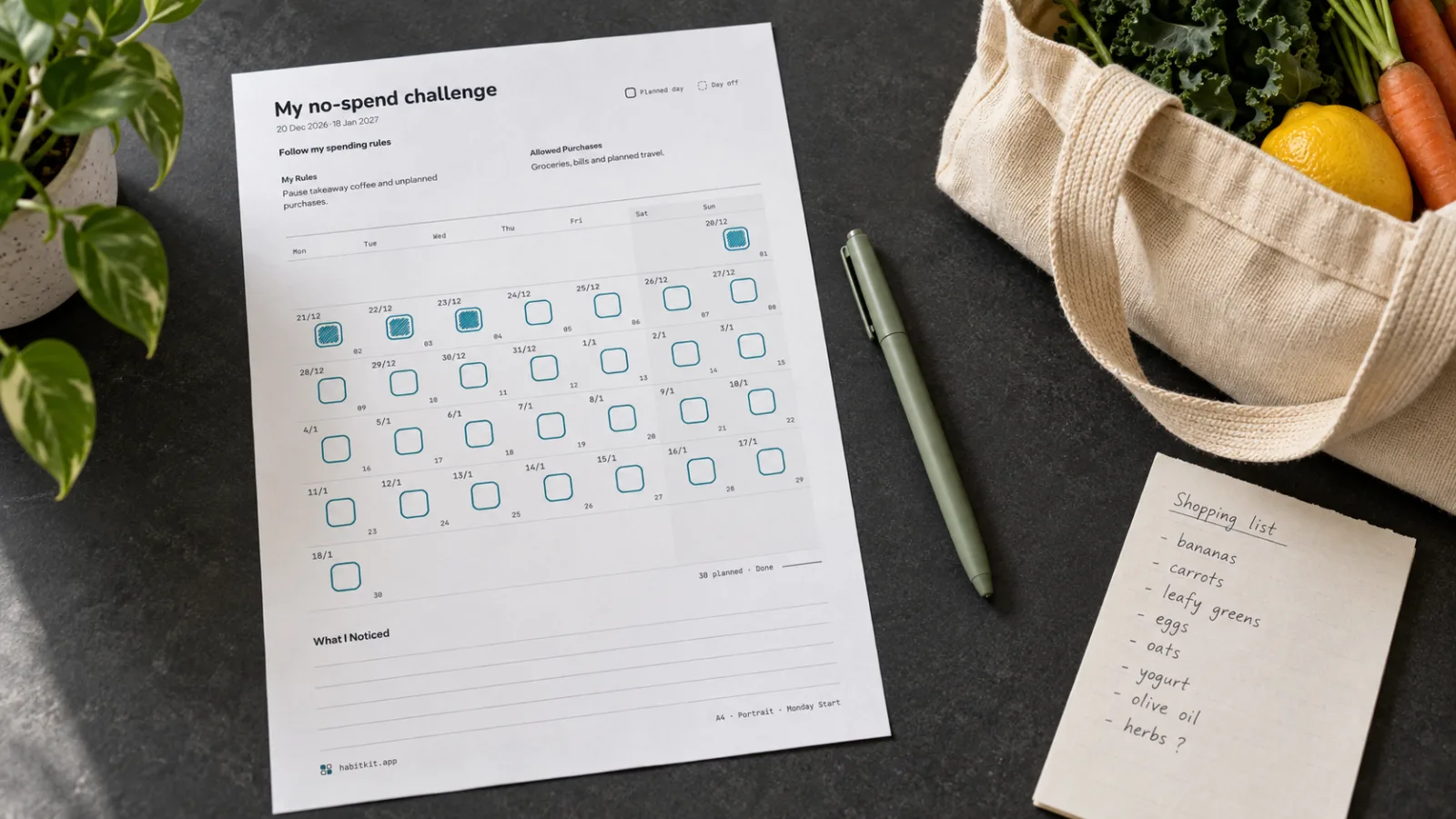
03 · No-Spend · Portrait
Spend with a plan
Write your No-Spend rules and allowed purchases before the challenge begins.
Make a No-Spend trackerIllustrative scenes with example habits.
Need a starting point? Explore 18 habit tracker ideasFrom a small intention to a fresh sheet.
- 01
Make it yours
Choose your dates, name your habits and pick a colour. Start with a few actions that fit an ordinary day, or leave the names blank to write them by hand.
- 02
Check your sheet
Choose A4 or US Letter and check the preview. In Style, choose Light and Black and white to save coloured ink. Dashed outlines mark scheduled days off.
- 03
Give it a place
Use Download PDF for a ready-to-print file, Print for your browser’s print options, or PNG for a high-resolution image. Put the sheet somewhere you will notice it.
A Monthly tracker that fits your day.
A monthly habit tracker puts up to eight habits beside the dates of a single month. Start with two or three small actions you can repeat, such as reading ten minutes or taking a walk. Give each habit its own colour and mark a tile when you show up.
Choose any month and year. February, leap years and shorter months get the right number of dates automatically. Use weekday schedules for habits you only do on certain days. Optional goals and a total column leave room to reflect without making every day a test.
Put your sheet beside the thing you already use: a book, your kettle or your running shoes. Missed a day? Leave the tile empty and return to the next one.
A few things worth knowing.
Is this printable habit tracker free?
Yes. All six templates, customisation, PDF downloads, printing and PNG exports are free. No sign-up or email address is required.
How do I save my tracker as a PDF?
Choose A4 or US Letter, then use Download PDF. Your tracker downloads as a single page with the selected paper size. You can also use Print to open your browser’s print options. Print at 100% scale with browser headers and footers turned off.
Can I make a blank habit tracker?
Yes. Use Blank sheet beside your habits to clear the habit names and goals, then print a sheet to fill in by hand. You can add up to eight habit rows to a monthly or weekly tracker.
Will it print in black and white?
Yes. In Style, choose Light for the sheet appearance and Black and white for the ink. This gives you dark outlines on white paper with no coloured ink. You can also choose Dark for white text and outlines on a dark background. Dark sheets use more ink. Scheduled days off keep their dashed outlines in either appearance.
Where is my design saved?
Edits are saved in this browser on this device when local storage is available. Clearing browser data removes that saved copy. The tool does not upload your habit names or notes. A shared design link contains your text, so only share it with people you want to see it.
Can I track these habits on my phone too?
HabitKit is a separate habit-tracking app for iOS and Android. Your printable sheet does not sync with the app. You can use the same habit names in both, or choose whichever fits your day.
A Little HabitKit In Your Pocket.
Like watching the tiles add up? Keep your habits close with the HabitKit app for iOS and Android. Your paper design stays separate.



Point your phone camera at the code to open HabitKit in the store.