
Data, Backup & Sync.
03 articles · Updated
Backups, export, import, and moving between devices. Where your history lives, and how to take it with you.
-
 Transfer HabitKit To A New iPhone Or Android Phone
iPhone to iPhone, restore your iCloud backup. Any other move, export a file from the old phone and import it on the new one. Free, but settings and widgets stay behind.
6 min
Transfer HabitKit To A New iPhone Or Android Phone
iPhone to iPhone, restore your iCloud backup. Any other move, export a file from the old phone and import it on the new one. Free, but settings and widgets stay behind.
6 min
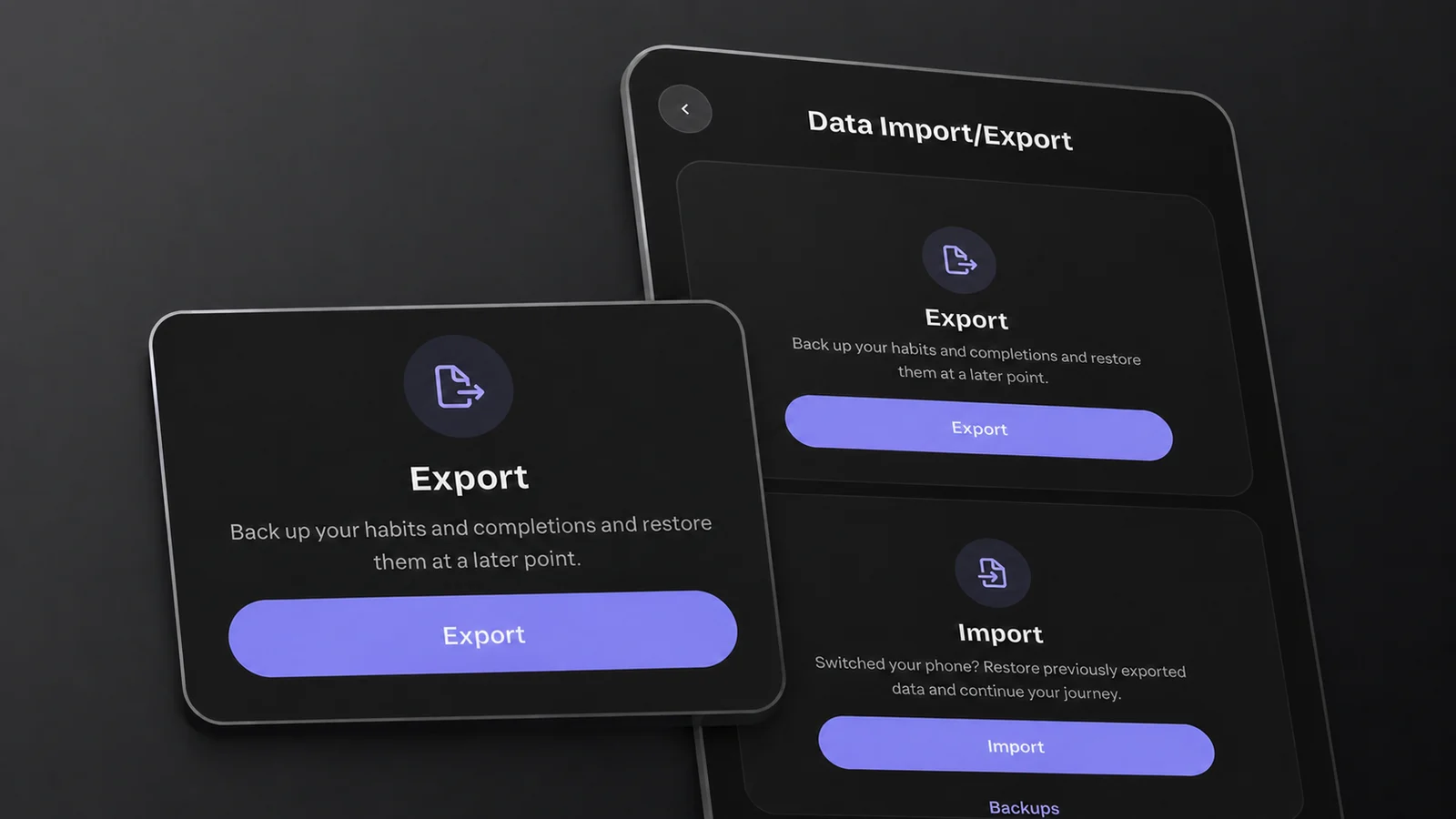
- Export And Import Your Habit Data Export writes one JSON file holding every habit, completion and note, and import brings it back. Both are free. Where to find them, and why there is no CSV. 7 min
- HabitKit Backups: How To Restore Your Data HabitKit keeps seven daily backups on your phone and, on iPhone, a daily backup in your own iCloud. Restoring is free. Where to find them, and how recovery works. 8 min
About Data, Backup & Sync.
HabitKit keeps your habits on your phone, with no account and no cloud sync. Once a day it saves a backup on the device and keeps the last seven, and on iPhone it also saves a daily backup to your own iCloud. Restoring either is free (automatic backups and recovery).
To take your history somewhere else, export it: one JSON file with every habit, completion and note, which you import on the other side (export and import your data). Export and import are free for everyone. From one iPhone to another, the iCloud backup moves your habits; from iPhone to Android or back, an export does (transfer HabitKit to a new phone). A copy kept off the phone is the one that survives losing it.