
Restore A Pro Purchase
By Sebastian Röhl, creator of HabitKit
6 min read Published Updated Instructions for HabitKit 1.18.0
HabitKit has exactly one Restore button. It sits on the Pro screen, under the three plan cards, as the link Already subscribed? Restore purchase, and it only appears while the app believes you are not Pro.
If tapping it returns "No purchase found for your account", check the store account, subscription expiry date and connection. The app uses the same message for a connection failure and an account without an active purchase.
On this page
Where Restore Lives
There is no Restore entry in Settings and none on the subscribed screen. The only one is the link below the plan cards on the Pro screen.
Three ways to reach that screen:
- Open Settings and tap the HabitKit Pro card at the top.
- Tap the Pro icon in the overview's top bar. It is only there when the app thinks you are not Pro.
- Tap any locked feature: a widget showing a lock, Charts & Statistics, or the + button when you already have four habits.
If the app already believes you are Pro, you get the subscribed screen instead, with Manage Subscription and Done and no restore link. Active subscribers may also see upgrade options. That screen is covered in what HabitKit Pro unlocks.
When a restore fails you get a dialog titled Restore Purchase reading No purchase found for your account, with a single Ok button. That dialog is the subject of the next section.
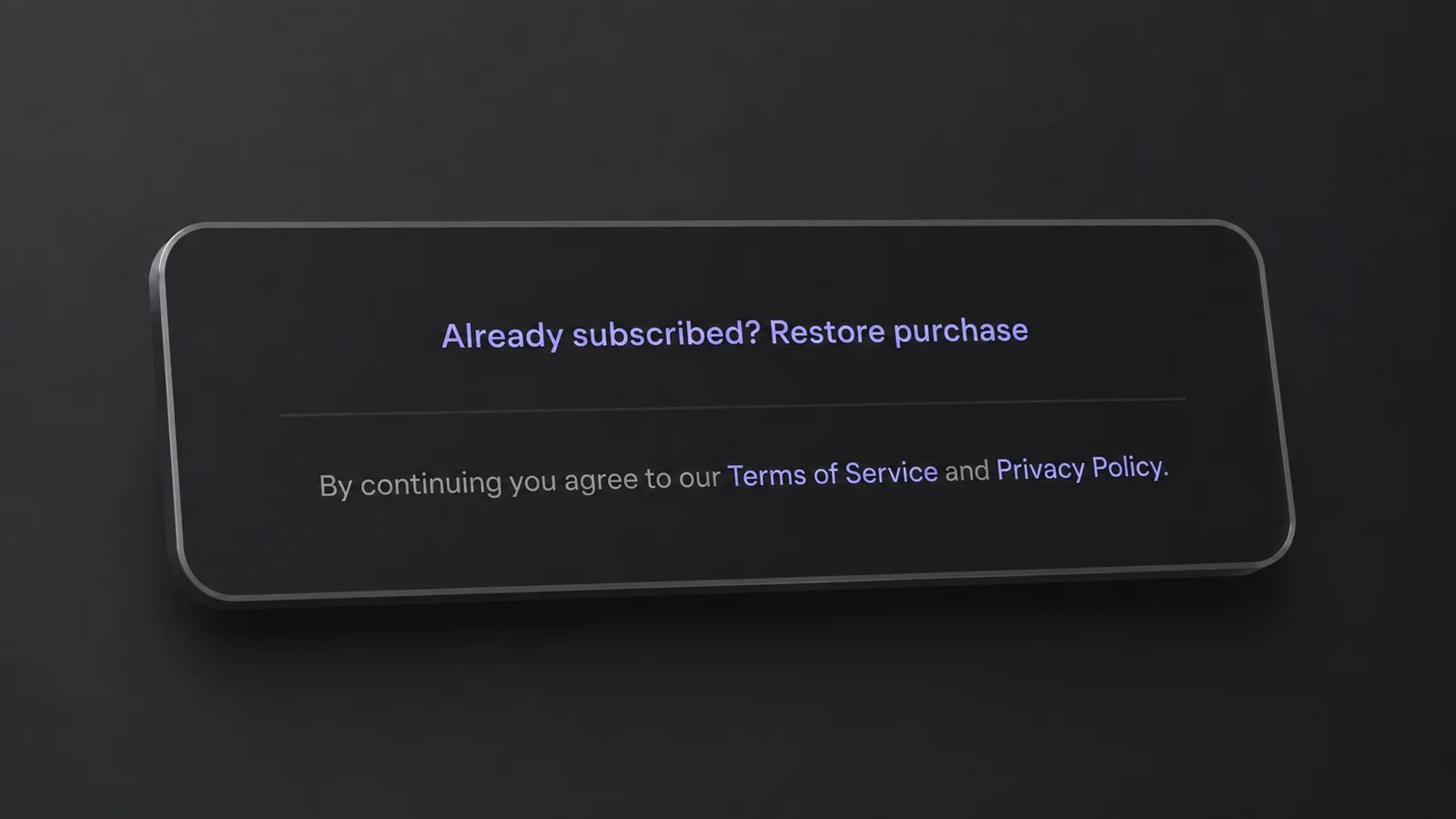
A focused view of the Restore purchase link. Scroll below the plans on the Pro screen to find it.
Why It Says No Purchase Found
Check these before contacting support.
- Check which store account you are signed into. Restore reads the App Store or Google Play account on the device. HabitKit has no account of its own to fall back on, so a purchase made on an old Apple ID, a second Google account, or a family member's account is invisible to this install.
- Try another working connection, such as mobile data or a different Wi-Fi network. A connection failure can produce the same message as a missing purchase.
- Confirm the purchase was made on the same platform. An App Store purchase can never restore on Android, and a Google Play purchase can never restore on iOS. The next section covers what to do about that.
- Reopen the app once you are online. On a fresh install with no connection, HabitKit starts as free even for a paying subscriber, because it falls back to the last answer it stored and a new install has none.
- Check the subscription expiry date in your store account. Cancelling renewal normally leaves access until the paid period ends. An expired subscription will not restore active Pro access.
The red message Something went wrong. Try again later. can also appear on the Pro screen. It does not identify a refund or a particular account problem. If it replaces the plan cards, the store could not load all the plans. Try again on a working connection.
The app can take a moment to refresh purchase status. A restore requests an updated answer from the store. If Pro still does not appear, keep your receipt and contact support.
If the app never gets as far as the Pro screen, the problem is not the purchase. See HabitKit will not open, or shows an error.
Moving Pro Between iOS And Android
There is no HabitKit account, so there is nothing to sign into. Every install is anonymous, and Pro is worked out entirely from the receipts held by the store you bought from. Apple and Google receipts are not interchangeable. Restore on a new Android phone cannot see an App Store purchase, however long you leave it.
A transfer is still possible. It is done by hand, and it needs the RC ID from both installs, the old one and the new one. Get in touch through support with both.
To find an RC ID:
- Open Settings, then General.
- Scroll to the bottom, to the section headed Debug. That is a section heading on the General page, not a menu to enter, and it ships to everyone.
- Tap RC ID. The value is copied to the clipboard and a small message confirms "RC ID Copied".
If the copied RC ID is empty, reopen the app on a working connection and try again.
If Pro Is Still Missing
Contact support with your store receipt and RC ID. Include which platform you purchased on and the exact message you see. A receipt helps us distinguish a purchase problem from an expired subscription or a different store account.
Related Questions
Where Is The Restore Purchases Button In HabitKit?
On the Pro screen, under the three plan cards, as the link "Already subscribed? Restore purchase". It only appears while the app believes you are not Pro. Reach that screen from the HabitKit Pro card in Settings, from the Pro icon on the overview, or by tapping any locked feature.
I Bought Pro On Android And Now Use An iPhone. Can I Move It?
Not automatically. Apple and Google receipts are not interchangeable, and HabitKit has no account tying them together. Transfers are done by hand: contact support with the RC ID from both installs, found at Settings › General, in the Debug section at the bottom of that page.
Why Does It Say No Purchase Found When I Definitely Paid?
The message can mean the app could not reach the purchase service, the subscription has expired, or the device uses a different store account. Check the account and expiry date, then try Restore on a working connection.